Airtel eSIM in Nigeria 2026: Price, Activation, QR Code, Supported Phones & Full Guide

By Precious ChiomaPublished on May 13, 2026
Airtel eSIM in Nigeria 2026: Price, Activation, QR Code, Supported Phones & Full Guide
Share:

If you’re tired of carrying multiple SIM cards, worrying about losing them, or dealing with SIM swap drama, Airtel eSIM is one of the smartest upgrades you can make in 2026. Many Nigerians are now switching because it lets you run two lines on one phone without any physical card, perfect for combining Airtel data with another network’s calls or just having a cleaner setup.

This guide covers everything, including: current prices, which phones work, how to get and scan the QR code, step-by-step activation, and real tips to avoid common headaches.

What is Airtel eSIM?

eSIM means “embedded SIM” The SIM is built directly into your phone’s hardware instead of being a removable plastic card. Airtel gives you a digital profile through a QR code that you scan to activate service on your line.

Main benefits:

  • Run two numbers on one phone (physical SIM + eSIM).
  • Easier to switch phones (though you may need a new QR code).
  • More secure against SIM swap fraud.
  • No risk of damaging or losing a physical SIM.

It works just like a normal Airtel line for calls, SMS, and data. Full NIN registration still applies.
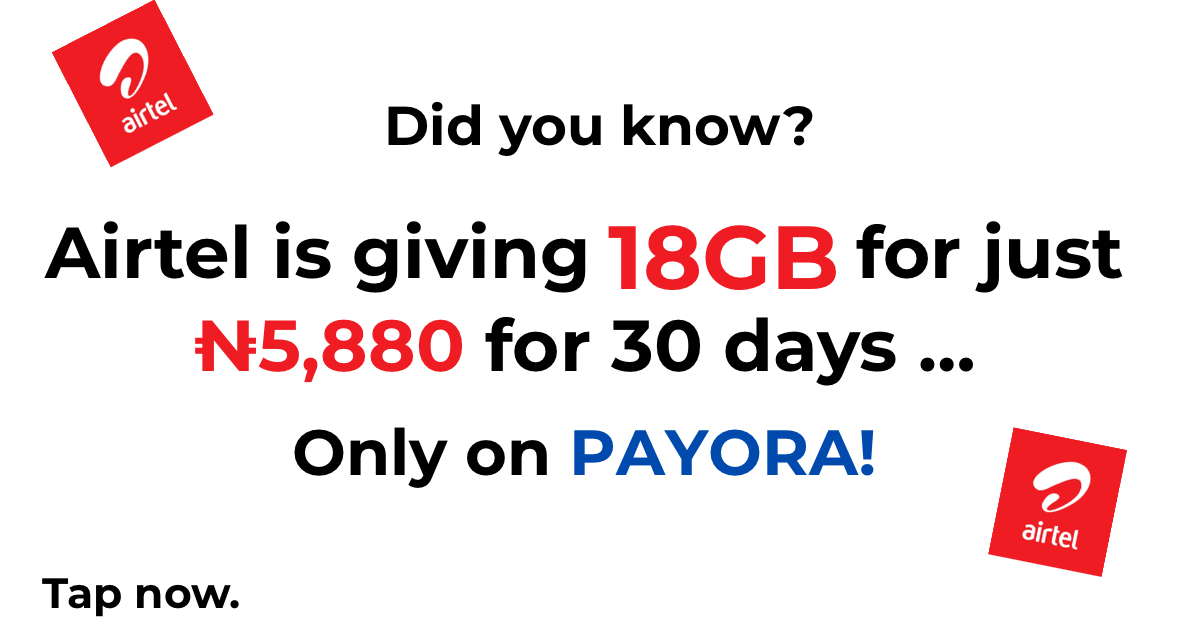
Current Price of Airtel eSIM in 2026

Activation is completely free.

You don’t pay any extra fee just to convert your existing Airtel line to eSIM. You simply visit an official Airtel Service Centre, and they handle everything at no cost. After activation, you only pay for your regular airtime and data bundles like normal.

This makes it one of the most affordable upgrades available right now. No hidden charges for the eSIM profile itself.

Which Phones Support Airtel eSIM?

Your phone must have eSIM hardware. Here’s what works reliably in Nigeria in 2026:

iPhones (Excellent Support):

  • iPhone 17 series and all newer models
  • iPhone 16, 15, 14, 13, 12 series
  • iPhone XS, XS Max, XR and above

Samsung Galaxy:

  • Galaxy S25 series (S25, S25+, S25 Ultra)
  • Galaxy S24, S23, S22 series and newer flagships
  • Many recent A-series and foldable models

Google Pixel:

  • Pixel 9, 8, 7, 6 series and newer

Other Brands:

  • Recent Xiaomi, OPPO, Vivo, and Motorola flagships
  • Some high-end Tecno and Infinix models (check specific version)

Quick compatibility check:

Dial *#06# on your phone. If you see an EID number, your phone supports eSIM. No EID = no support.

Most phones released from 2020 onwards (especially flagships) work well with Airtel eSIM.

How to Activate Airtel eSIM (Step-by-Step)

The process is simple, but it must be done at an official Airtel location for security.

Step 1: Visit an Airtel Service Centre

  • Go to any official Airtel Experience Centre or Service Centre (not a small roadside agent).
  • Take your NIN slip or original ID and the phone you want to use.

Step 2: Request eSIM Conversion

  • Tell the customer care agent you want to activate eSIM.
  • They will verify your details and NIN linkage.

Step 3: Get Your QR Code

  • The agent generates a unique QR code for your line.
  • They may email it to you or display it for immediate scanning.

Step 4: Scan and Activate the QR Code

On iPhone:

  1. Go to Settings → Cellular/Mobile Data → Add eSIM.
  2. Select Use QR Code.
  3. Scan the QR code from Airtel.
  4. Follow the prompts, label the line if you want (e.g., “Airtel Data”), and restart your phone.

On Android:

  1. Go to Settings → Network & Internet → SIMs (or Mobile Network).
  2. Tap Add eSIM or Download SIM.
  3. Scan the QR code.
  4. Activate and restart your phone.

Your old physical SIM will usually stop working once the eSIM is active. You can keep it as a backup if needed.

Moving eSIM to a New Phone

For security reasons, you generally need to visit an Airtel Service Centre again to get a fresh QR code when changing phones. You can’t simply transfer the same profile easily.

Common Problems and How to Fix Them

  • QR code not scanning → Clean your camera lens, ensure good lighting, or try scanning from another phone’s screen.
  • “eSIM not supported” → Confirm with *#06# — your phone must have EID.
  • Activation delay → NIN verification can take time during busy periods. Go early in the day.
  • No signal after setup → Restart phone, toggle Airplane mode on/off, or contact Airtel support.
  • Dual SIM issues → Make sure you set the correct line as default for calls and data in your phone settings.

Real User Tips

  • Always go to an official Airtel centre for smooth service.
  • Have your NIN ready before you go.
  • Test calls, SMS, and data before leaving the centre.
  • Take a clear screenshot or photo of the QR code as backup (though it may need re-issuance later).
  • eSIM + physical SIM combo works great; many people use Airtel eSIM for cheap data and another network for calls.

Final Thoughts

Airtel eSIM in 2026 is free to activate, works on all recent flagship phones, and gives you modern convenience without the hassle of physical SIM cards. The process is straightforward: visit an Airtel Service Centre, get your QR code, scan it, and you’re good to go.

If your phone supports it, making the switch is highly recommended for better flexibility and security. Take your NIN and head to the nearest Airtel centre when you’re ready.


Download the Payora App

Experience seamless transactions on the go. Top up your wallet, purchase data, pay bills, and trade gift cards - all from your smartphone.

Get it on Google PlayDownload on the App Store
Payora Mobile App

