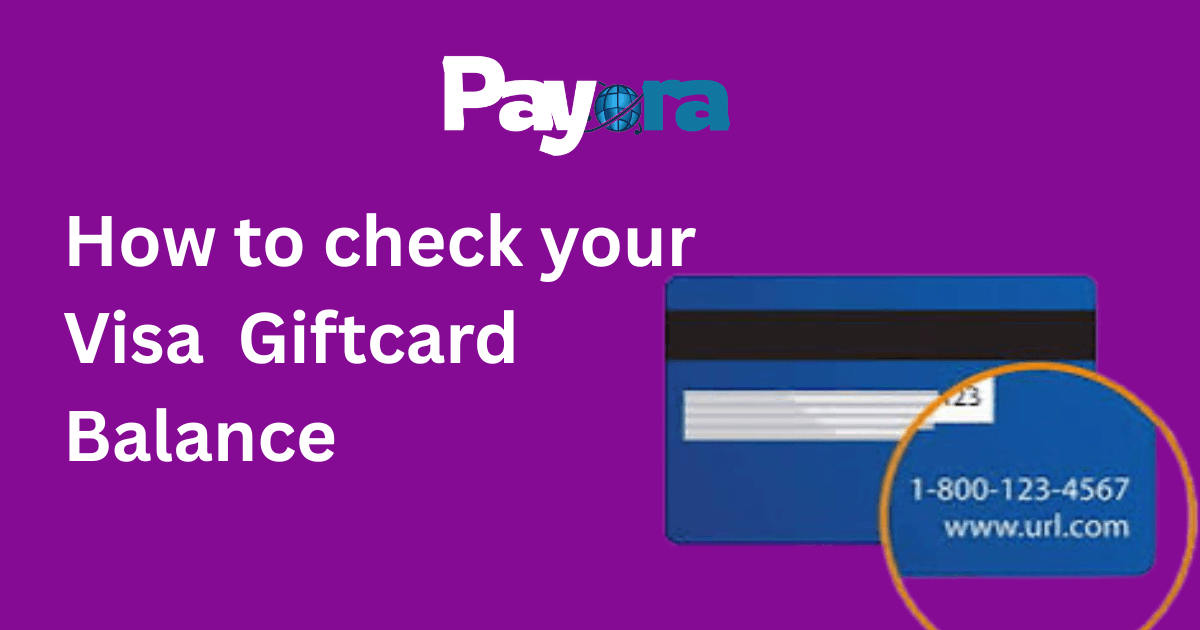
The Most Common Way: Call the Number on the Back of the Card
This is still the simplest and most reliable method for most Visa gift cards.
Step-by-step:
- Flip the card over and look for the customer service number (usually starts with 1-800 or 1-866).
- Call the number from your phone.
- Follow the automated prompts; most systems will ask for the 16-digit card number and the 3- or 4-digit security code on the back.
- The automated voice will tell you the current balance immediately.
This method works 24/7 and is free in most cases. It usually takes less than a minute.
Tip: Have a pen and paper ready or open your notes app so you can write down the balance. Some cards also let you check recent transactions during the same call.
Check Balance Online (If Your Card Allows It)
Many Visa gift cards now have an online portal for checking balances.
How to do it:
- Go to the website printed on the back of the card (e.g., www.visagiftcard.com or the specific issuer’s site).
- Look for the “Check Balance” or “Card Login” option.
- Enter your 16-digit card number and the security code.
- Some sites may ask for additional verification, like your ZIP code or the card’s expiration date.
- Your current balance will be displayed on the screen.
Popular issuers like Vanilla Visa, GiftCards.com, and bank-issued Visa cards usually have this option. If the card came with a website address, that’s the one to use.
Using the Amazon Method (If You Redeemed It There)
If you’ve already added the Visa gift card to your Amazon account:
- Log in to Amazon on your phone or computer.
- Go to “Your Account” → “Gift cards” or “Payments”.
- You’ll see the remaining balance from the Visa card listed there.
This is convenient if you shop on Amazon a lot.
Mobile Apps and Digital Wallets
Some Visa gift cards can be added to Apple Wallet, Google Pay, or Samsung Pay. Once added, you can often see the balance directly in the wallet app.
For example:
- Open Apple Wallet → Tap the card → Look for balance info.
- Same for Google Pay.
Not all cards support this, but more are adding it in 2026.
Checking Through Your Bank or Issuer App
If the Visa gift card was issued by a specific bank (Chase, Wells Fargo, etc.), download their mobile app. Log in and look for the gift card or prepaid section. Many banks now let you check prepaid Visa balances directly in their app.
What to Do If You Can’t Find the Balance
- Lost the card number: Contact the issuer using the number on any paperwork that came with the card.
- Card not working: The balance might be zero, or the card could be expired or blocked. Call customer service.
- International use: Some cards have restrictions. Check the terms on the back.
Tips to Manage Your Visa Gift Card Better
- Check the balance before making big purchases so you don’t get declined at checkout.
- Spend it down or use it for online shopping, where it’s easier to track.
- Never share your full card number except when making a legitimate purchase.
- Set a reminder on your phone to check the balance every few weeks.
- If the card has an expiration date, use it before then; unused balances may have fees in some cases.
Many people receive Visa gift cards during holidays or as rewards. Taking a minute to check the balance saves you from the frustration of trying to pay and getting declined.
A Smart Way to Get Visa Gift Cards: Payora
If you’re looking to buy Visa gift cards instead of just checking the balance, many people now use Payora. They offer gift cards at very good rates, often cheaper than buying directly from banks or stores. You can buy different denominations, get them instantly, and even resell them if you want. It’s convenient for people who need gift cards for shopping, gifting, or business. Many users say the rates are amazing and the delivery is fast.