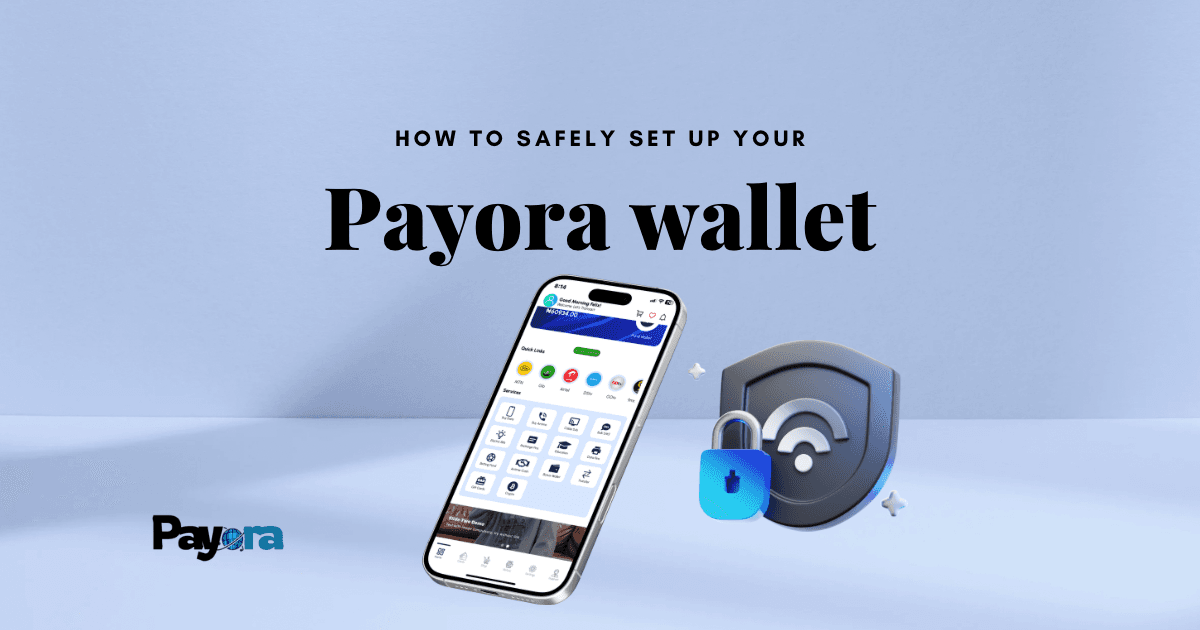
Digital wallets are now a big part of how we handle money in Nigeria. From buying airtime to paying bills, sending money, or trading gift cards, everything is becoming cashless. Payora Wallet is one of the easiest ways to manage all these services in one place. But just like any financial tool, safety should come first.
If you’ve just signed up for Payora or you’re planning to, this guide will walk you through how to set up your wallet properly, fund it, and use it securely without worrying about fraud or mistakes.
What Is Payora Wallet?
Your Payora Wallet is like a digital purse inside the Payora app. Instead of carrying cash or entering your bank card every time, you can load money into your wallet and use it to:
- Buy airtime and data instantly.
- Pay utility bills like electricity, water, and TV subscriptions.
- Buy and sell gift cards.
- Trade crypto securely.
- Create and use virtual cards for online payments.
- Shop for gadgets and digital services.
It’s convenient, fast, and built to give you full control over your transactions.
Step 1: Download and Install the Payora App
To get started, you need the Payora app. You can download it from:
- Google Play Store (for Android users)
- Apple App Store (for iPhone users)
Make sure you download only the official app to avoid fake versions. Always check the developer name (“Payora”) and read reviews before installing.
Step 2: Create Your Payora Account
Once the app is installed, open it and tap “Sign Up.” You’ll be asked to provide:
- Full name
- Email address
- Phone number
- A secure password
After filling in your details, Payora will send you a verification code (OTP) via SMS or email. Enter this code to confirm your account.
Tip: Use the same phone number linked to your bank account for easy funding later.
Step 3: Set Up Your Wallet
After signing up, your Payora Wallet is automatically created. You’ll see your balance on the dashboard (it will be ₦0 if you’re just starting).
At this point, you should:
- Set a strong password if you haven’t already.
- Enable two-factor authentication (2FA) for extra protection.
- Add a PIN or biometric login (fingerprint/Face ID) for quick access.
Step 4: Fund Your Payora Wallet
There are different ways to load money into your wallet:
- Bank Transfer - Payora gives you a unique bank account number. Transfer money into it, and it reflects in your wallet instantly.
- Card Payment - Link your debit card and fund your wallet directly.
- Airtime Conversion - If you have excess airtime, Payora lets you convert it to cash and credit your wallet.
Pro Tip: Always confirm your wallet balance after funding before making transactions.
Step 5: Start Using Your Wallet
Once funded, you can use your Payora Wallet for multiple services:
- Airtime & Data - Recharge your MTN, Airtel, Glo, or 9mobile lines in seconds.
- Bill Payments - Pay electricity bills, DSTv/GOtv subscriptions, and more.
- Gift Cards - Buy or sell gift cards directly using your wallet balance.
- Crypto Trading - Safely trade cryptocurrencies without exposing your bank card.
- Virtual Cards - Create a virtual card for safe online shopping.
Everything happens within the app, and you’ll get a receipt after each transaction.
How to Use Payora Wallet Safely
Your wallet is secure, but you also have a role to play in keeping it safe. Here are some tips:
1. Protect Your Login Details
Never share your password, OTP, or PIN with anyone. Payora staff will never ask you for these.
2. Use Two-Factor Authentication
Enable 2FA in your account settings so that even if someone guesses your password, they can’t log in without the extra code.
3. Be Careful with Public Wi-Fi
Avoid logging into your wallet on public networks (cafés, airports, etc.). Use mobile data for better security.
4. Fund Only What You Need
Don’t keep your life savings in your wallet. Load just enough for your transactions and refill when necessary.
5. Regularly Monitor Transactions
Check your transaction history to quickly spot any suspicious activity. If you see something unusual, report it immediately through the app.
6. Lock Your App with Biometric Security
Fingerprint or Face ID makes sure only you can access your wallet, even if your phone is stolen.
What to Do If Something Goes Wrong
If you ever suspect fraud, unauthorized access, or transaction errors:
- Freeze your wallet - Use the app’s security settings to block transactions temporarily.
- Contact Payora support - Reach out via in-app chat or email.
- Change your password/PIN - Immediately reset your credentials.
A quick response can save you from losing money.
Why Payora Wallet Is Safer Than Traditional Banking
Traditional bank apps expose your main account details, making them a bigger risk if hacked. With Payora Wallet:
- Your bank card is hidden, with no direct link to every transaction.
- You can set limits by funding only what you need.
- Instant alerts let you track everything in real-time.
It acts like a protective layer between your money and the internet.
Conclusion
Setting up your Payora Wallet is simple, but using it wisely is what keeps you safe. With features like virtual cards, airtime conversion, and crypto trading, it’s more than just a wallet; it’s an all-in-one financial tool.
By following the setup steps and security tips above, you can enjoy the speed and convenience of Payora without worrying about online fraud.
Take control of your digital payments today; your money deserves the safest wallet.