How to Use QR Code Payments for Your Small Business in Nigeria (2025 Guide)

By Precious ChiomaPublished on November 3, 2025
How to Use QR Code Payments for Your Small Business in Nigeria (2025 Guide)

Introduction

Running a small business in Nigeria today means you have to move with technology, and QR code payments are one of the smartest upgrades you can make in 2025.

Whether you sell food, fashion, or offer services, QR code payments make it easier for customers to scan, pay, and go, no excuses, no “I’ll transfer later.”

If you’ve ever lost sales because a customer “forgot” to send money or had network issues, this article is for you. Let’s show you exactly how QR code payments work and how to start using them for your business right now.

What Is a QR Code Payment?

A QR code payment lets customers pay you instantly by scanning a unique code with their phone camera or banking app.

Here’s how it works:

  1. You (the seller) display your QR code.  
  2. The customer scans it with their app.  
  3. The payment details (amount, account name, etc.) show automatically.  
  4. They confirm and send, payment received instantly.  

It’s simple, secure, and eliminates typing errors or fake alerts.

Why QR Code Payments Are Gaining Popularity in Nigeria

By 2025, more small businesses will be adopting QR code payments because of the speed, security, and convenience they offer.

Here’s why Nigerians love it:

  • No need for POS terminals, saves you money.  
  • No waiting for transfers. Payment confirmation is instant.  
  • Easy to share: You can print or send your QR code digitally.  
  • Supports all payment types, from wallet to card to bank transfer.  

 Fun Fact: The Central Bank of Nigeria (CBN) officially approved QR code payment systems, meaning it’s now recognized as a safe and legitimate payment method.

How QR Code Payments Work in Practice

Let’s say you own a food business called “Mama Ada’s Kitchen.”

You set up a QR code payment using a fintech app like Payora.

You then print and place it at your counter.

When a customer finishes eating, they simply scan your code using their banking app or Payora wallet, enter the amount, and pay.

Boom, payment confirmed before they even stand up.

How to Set Up QR Code Payments for Your Business

Setting it up is easier than you think. Follow these steps:

Step 1: Download a Fintech App That Supports QR Payments

Apps like Payora, OPay, or PalmPay make it easy to create your own payment QR code in minutes.

 Payora Tip: Payora lets you link your QR code directly to your wallet or bank account, so all transactions go through one secure channel.

Step 2: Create Your Business Profile

Enter your business name, description, and contact details. This helps customers confirm they’re paying the right person.

Make sure your display name is the same as what customers recognize you by (e.g., “Chioma’s Hair Plug” instead of “C. Okwanma Ventures”).

Step 3: Generate Your QR Code

Once your profile is ready, the app automatically generates a unique QR code for your account.

You can:
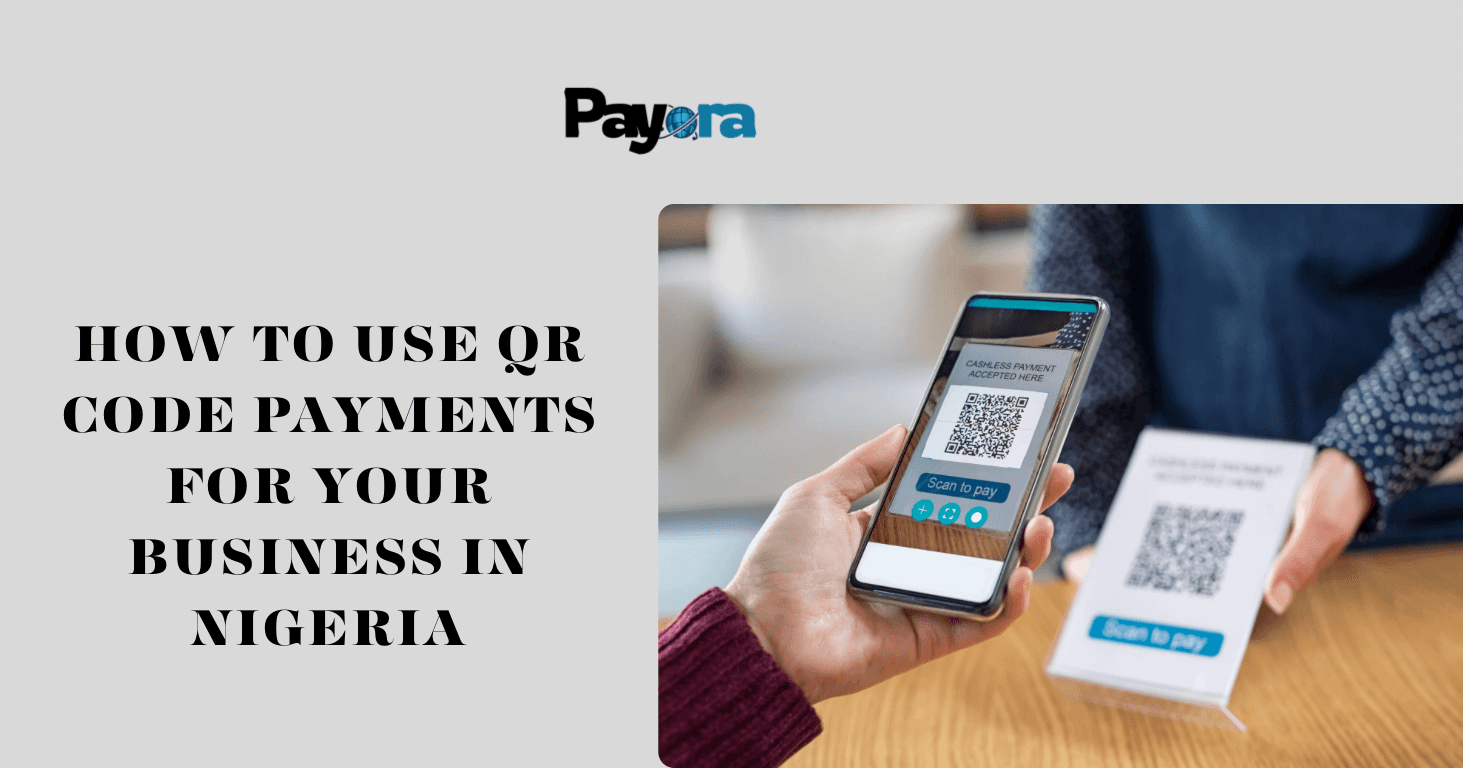
  • Print and laminate it for your shop.  
  • Save it on your phone for digital sharing.  
  • Add it to your flyers, receipts, or even delivery packages.  

Step 4: Accept Payments Anywhere

Customers can now scan your QR code using:

  • Their mobile banking app  
  • Fintech apps like Payora or OPay  
  • Camera scanners that link to payments  

Once they scan, they’ll see your business name and payment amount (if pre-set). After payment, you’ll receive an instant confirmation alert.

Step 5: Track All Transactions

Every payment made via your QR code shows in your transaction history. You can export or download reports to track sales, refunds, and customer patterns.

 Pro Tip: Always check that your app notifications are turned on so you don’t miss alerts.

Benefits of Using QR Code Payments

 > Speed: No need for POS or ATM cards.

 > Low Cost: No hidden fees or hardware maintenance.

 > Security: Every transaction is encrypted and verified.

 > Professional Image: Your business looks more digital and trustworthy.

 > Offline Option: Some QR systems can still work even when the internet is weak.

Real-Life Examples of Businesses Using QR Codes

  • Fashion Vendors: Add QR codes to Instagram or WhatsApp product catalogs.  
  • Food Vendors: Display them at counters for quick checkout.  
  • Freelancers: Add a QR code to invoices or social media bios.  
  • Delivery Services: Send QR codes with packages for easy payment on arrival.  

It’s flexible and works for both physical and online businesses.

Why You Should Use Payora for QR Payments

With Payora, you can:

  • Create your unique QR code for free  
  • Accept instant payments via wallet, card, or transfer  
  • Get real-time transaction alerts.  
  • Download transaction reports anytime.  
  • Enjoy one of the lowest transaction fees in the industry.  

It’s perfect for small business owners who want reliable payments without extra costs or technical setup.

 Download Payora now on:

Playstore

 Appstore

🌐 Visit www.payora.app

Conclusion

QR code payments are not just a trend; they’re the future of business in Nigeria.

They save time, reduce stress, and make your business look professional. And with apps like Payora, you can get started in minutes without any technical experience.

So if you’re tired of “network wahala,” late transfers, or fake alerts…

It’s time to switch to QR code payments and make your business smarter in 2025.


Download the Payora App

Experience seamless transactions on the go. Top up your wallet, purchase data, pay bills, and trade gift cards - all from your smartphone.

Get it on Google PlayDownload on the App Store
Payora Mobile App
How to Use QR Code Payments for Your Small Business in Nigeria (2025 Guide)


